— Clients & scheduling
Clients, leads and scheduling in the same place as the work
Prolanze keeps every client with their contact details, default rate and history next to their projects and invoices. Track new leads through a simple pipeline, and let clients book time with you from a public link that respects your availability.
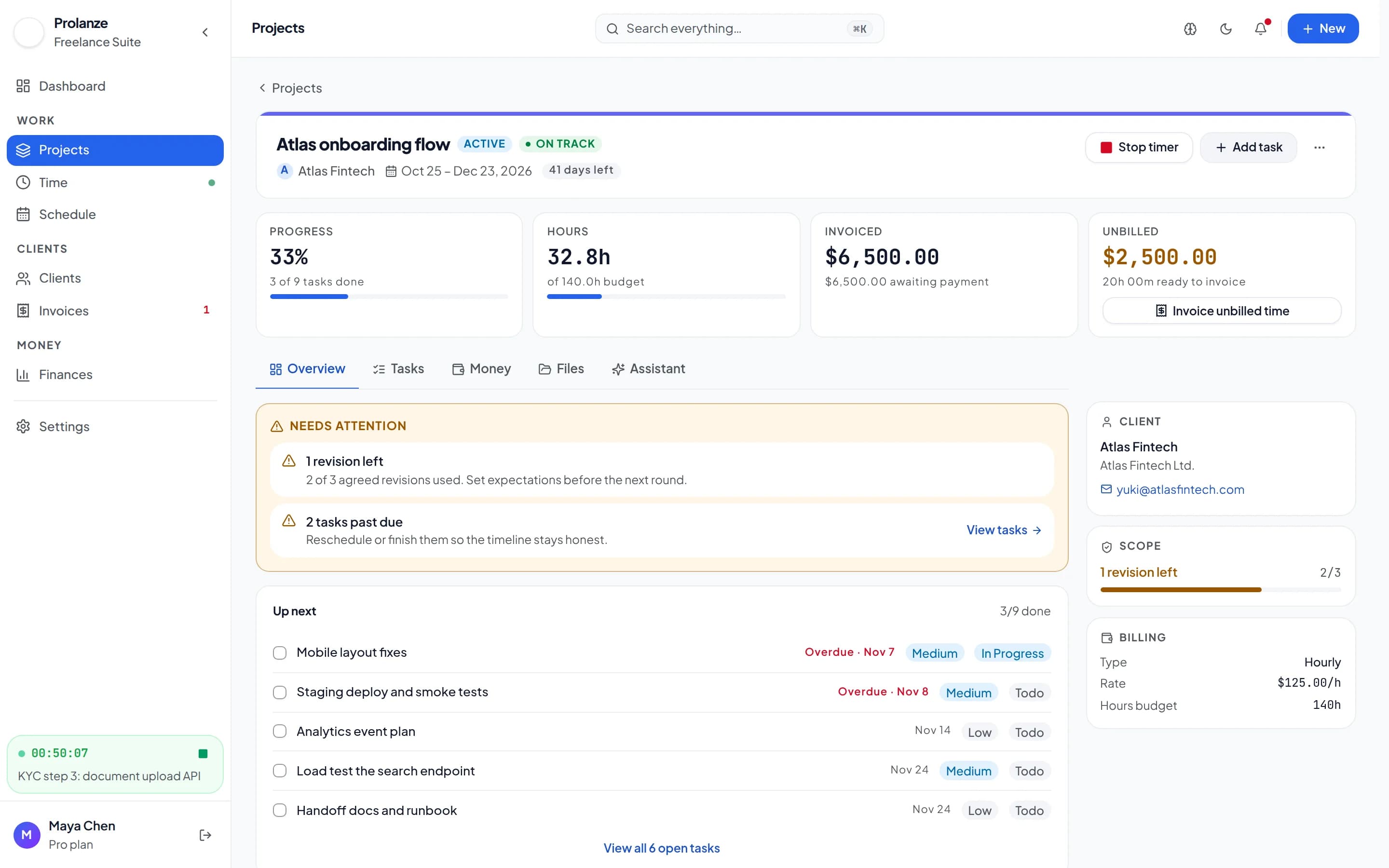
One record per client, with everything attached
Each client has contact details, a default hourly rate, notes, and the projects and invoices you have done for them, with the total billed so far. New projects pick up the client's rate, so pricing stays consistent without a spreadsheet.
Clients you no longer work with can be archived to keep lists short. Nothing is deleted, and an archived client can be brought back at any time.
A lead pipeline that fits a freelancer
Not every enquiry needs a CRM. Prolanze has a simple pipeline with six stages: new, contacted, proposal sent, negotiating, won and lost. Each lead has an estimated value, a source and an expected close date, plus a running history of notes. When you win one, convert it into a client in one step.
- Six stages from new to won or lost, with a reason when a lead is lost
- Estimated value per stage, so you can see what is in the pipeline
- Notes on every lead
- Convert a won lead into a client
Meeting types and a public booking link
Set your weekly availability, create meeting types such as a 30-minute intro call, and share your booking link. Clients pick a time that fits your windows, and double bookings are refused unless you choose to allow them.
New meeting types start switched off, so nothing becomes bookable until you decide it should be.
One calendar for meetings, focus time and deadlines
The Schedule page puts your meetings, the time you have set aside to work, and everything that falls due (tasks, milestones, invoices and payment instalments) on the same calendar. Switch between day, week, month and agenda views, and turn any of those layers on or off.
Open tasks wait in a side list. Drag one onto a free slot, or let Prolanze place it in your next free stretch of working hours, sized by the task's estimate. Drag a block to move it, pull its edge to resize it, and start the timer on it when the work begins.
- Drag on the calendar to add a meeting or reserve focus time
- Overlaps are flagged, and your working hours are shaded so you can see what is outside them
- A today panel shows what is next and how much free time is left
- Your booking link and the hours it offers sit beside the calendar
Your clients do not need an account
Clients interact with you through links, not logins: they open invoices from a link and book meetings from your booking page. There is no client portal account to create and no password to forget.
Ask your assistant
Real requests and the Prolanze MCP tools Claude calls to answer them. Read-only requests work on the free plan; changes need Pro.
› Add Hooli as a lead, about $8,000, from a referral.
create_lead
A new lead in the pipeline. Pro.
› Move the Hooli lead to negotiating and note today's call.
update_lead · add_lead_note
The lead moves stage and the note is added to its history. Pro.
› What's in my pipeline, by stage?
pipeline_summary
Lead counts and estimated value per stage. Free.
› When am I free for two hours this week? Put the Acme wireframes in the first slot.
find_free_time · tasks_to_schedule · plan_focus_time
Finds a free stretch in your working hours and reserves it for the task, refusing any overlap. Pro to book it; finding time is Free.
› Update Acme's rate to $95 an hour.
list_clients · update_client
The client's default rate changes. Pro.
Free and Pro
Free
- Clients, leads, meeting types and booking links
- Assistant can read clients, leads and your calendar, and find free time
Pro
- Unlimited clients
- Assistant can add and update clients and leads
- Assistant can schedule meetings, with approval before attendees are emailed
- Assistant can reserve focus time for your tasks
Every new account gets 30 days of Pro, no card required. Full plan details are on the pricing page.
Questions about clients & scheduling
Is there a client portal?
Clients do not get an account. They open invoices from a link and book time from your booking page, which keeps things simple for them.
Can two people book the same slot?
No. A booking must fall inside your availability windows, and a slot that overlaps an existing meeting is refused.
Can I import my existing clients?
You can add clients in the app, or ask your assistant to create them from a list on the Pro plan. It checks for duplicates first.
Can I archive a client instead of deleting it?
Yes. Archiving hides a client from lists and can be undone. Nothing is lost.
Is the lead pipeline on the free plan?
Yes. Leads, clients, meeting types and booking links are all on Free.
Keep reading
- Invoicing →Draft invoices from hours, milestones and expenses. Send, remind and record payments.
- MCP server →125 tools for Claude and Claude Code, with approvals and no deletes.
- How to connect Claude to Prolanze →Step-by-step guide
- Freelance contract clauses that protect you →Scope, payment terms and revisions