— MCP server
An MCP server that lets Claude run your freelance admin
Prolanze includes a full Model Context Protocol server with 125 tools. Connect Claude, Claude Code or another MCP client, and ask for what you need in plain language. You choose what it may do, and it asks before anything reaches a client or changes what you are owed.
What MCP is, in one paragraph
MCP (Model Context Protocol) is an open standard that lets an AI assistant use an app's tools directly instead of guessing from screenshots or copy-paste. When Prolanze is connected, Claude can look up an invoice, start a timer or draft a project plan the same way you would in the app, using your real data.
You do not need MCP to use Prolanze. It works as a normal app without any AI at all. MCP is there for freelancers who already live in Claude or Claude Code and would rather ask than click.
What your assistant can do
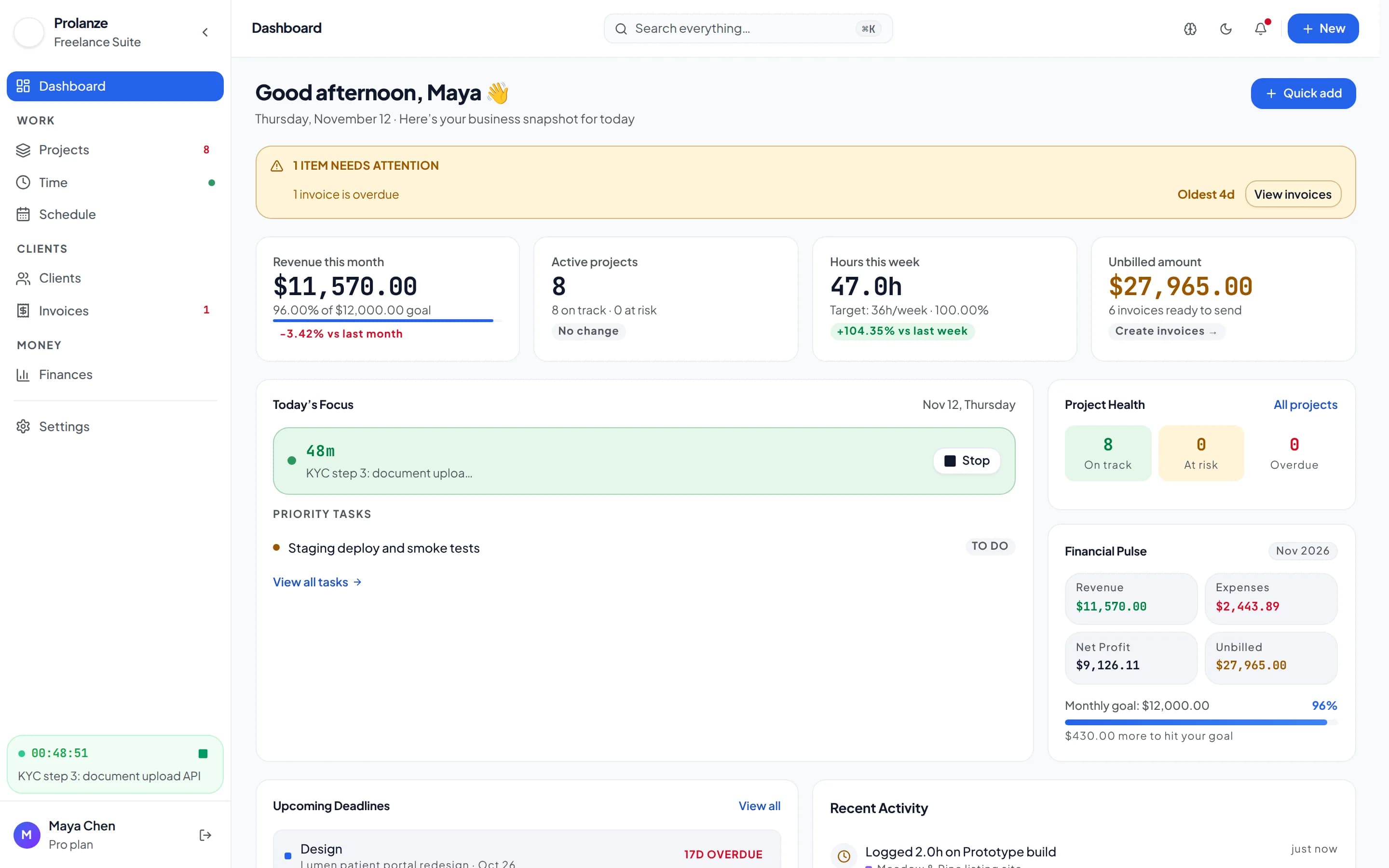
The 125 tools cover the whole workspace: clients and leads, projects, tasks and milestones, time and timers, invoices and payments, expenses, budgets, bank transactions, meetings and availability, and finance reports such as profit and loss, cash flow forecast and tax estimates.
Ready-made workflows appear as prompts in clients that support them: chase overdue payments, a weekly invoicing run, month-end close, project kickoff, a new project from a brief, a weekly review, reconciling bank transactions and a daily briefing.
- "What needs my attention today?" runs a daily briefing across invoices, deadlines and your timer
- "Set up a project for Acme from this brief" creates the project, milestones and tasks
- "Log these 12 receipts" records expenses in one batch
- "How much should I set aside for tax?" uses your tax profile (an estimate, not tax advice)
Safety: what it cannot do without you
When you connect, you sign in with OAuth and tick exactly what the assistant may do: view, make changes, or send emails. Free connections are always read only. You can revoke a connection at any time in Settings, under API and agents, where every connected app is listed.
Actions that reach people outside your workspace, or change what you are owed, never run on the first call. The assistant gets a preview, such as "Email INV-12 ($250) to Acme?", and has to show it to you. The action only runs after you approve that exact preview, within a few minutes.
- Emailing an invoice or a payment reminder
- Recording a payment or marking an invoice paid
- Cancelling an invoice
- Inviting an attendee to a meeting, or moving one they are invited to
- Switching on a meeting type or widening the availability anyone with your booking link can book
Nothing can be deleted over MCP
There is no delete tool. Your assistant archives, cancels or completes things instead, so a misunderstood instruction can always be undone. It also cannot change your password, billing or sign-in, and it cannot connect, sync or disconnect a bank account.
Which assistants work
Claude and Claude Code work today. Any MCP client that supports OAuth sign-in, such as Cursor or VS Code, can connect to the same server at https://mcp.prolanze.com/mcp. Clients without OAuth can use a personal access token created in Settings. Automation tools that speak MCP over HTTP can use a token too.
Ask your assistant
Real requests and the Prolanze MCP tools Claude calls to answer them. Read-only requests work on the free plan; changes need Pro.
› What needs my attention today?
daily_briefing
Overdue invoices, deadlines in the next two weeks, your running timer and today's meetings. Free.
› Set up a project for Acme from this brief, with milestones and tasks.
list_clients · create_project · create_milestone · bulk_create_tasks
A draft project with milestones and up to 25 tasks from the brief. Pro.
› Which projects actually made money this quarter?
project_profitability
Revenue, cost and margin per project, in one currency. Free.
› Am I free Thursday afternoon? Book a 45-minute kickoff with Ada.
list_meetings · create_meeting
Checks your calendar, then asks before inviting Ada, because she will get emails. Pro.
Free and Pro
Free
- Read-only access to every area
- 2 personal tokens, 60 requests an hour each
- Works with Claude, Claude Code and other MCP clients
Pro
- Read and write access
- 10 connections, 1,000 requests an hour each
- Send emails with the Send emails permission, always with approval
Every new account gets 30 days of Pro, no card required. Full plan details are on the pricing page.
Questions about mcp server
What is the server URL?
https://mcp.prolanze.com/mcp, using Streamable HTTP. In Claude Code run: claude mcp add --transport http prolanze https://mcp.prolanze.com/mcp
Is the MCP server included on the free plan?
Yes, read only. Your assistant can look at clients, projects, time, invoices and finance reports. Pro lets it create and update records.
Can my assistant delete anything?
No. There is no delete tool. It archives, cancels or completes instead.
How do I see what my assistant changed?
Every change made through a connection is listed under Settings, API and agents, next to the connection that made it.
Does Prolanze send my data to an AI model?
Prolanze itself does not. Your assistant (for example Claude) reads the data it asks for through the connection you approved, under that assistant's own terms. Revoke the connection and access stops.