Month-end invoicing is the freelance task that costs the most focus for the least creative value. You reconstruct the month from a time tracker, copy hours into a template, double-check rates, write the email, and then remember who still has not paid last month.
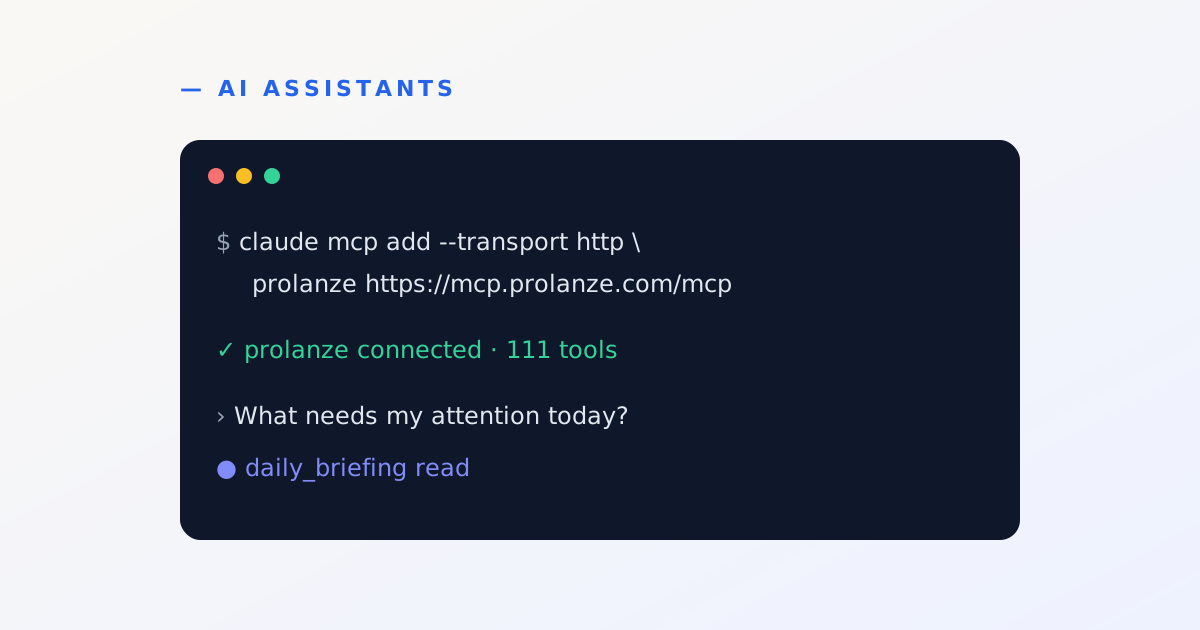
If you work in Claude Code all day, you can run the whole routine from the terminal in a few minutes, and still approve every email that reaches a client. This guide assumes Prolanze is connected to Claude Code. If it is not yet, start with how to connect Claude to Prolanze.
Step 1: find what is unbilled
Start with a question, not an action:
Which projects have unbilled billable hours this month, and how much is each worth?
Claude reads your time entries (the list_time_entries and time_summary tools) and answers with hours and amounts per project. Nothing changes in your workspace. This step works on the free plan.
Step 2: draft the invoices
Draft an invoice for each of those projects from their unbilled hours.
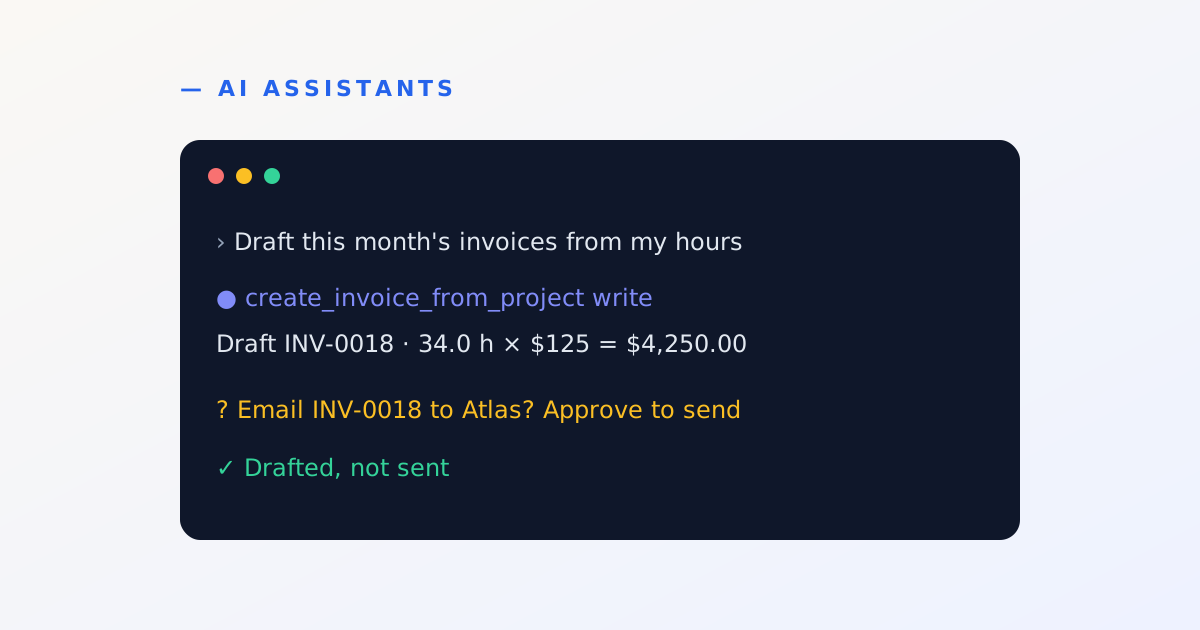
For each project Claude calls create_invoice_from_project, which creates a draft invoice from all the unbilled billable time on that project, one line per entry at the project's rate. To bill only some entries, ask for that instead and it uses create_invoice_from_time_entries.
Two useful variations:
- Billable expenses. "Add the $120 stock photo expense to the Atlas draft." (
add_expense_to_invoice) - Milestones. If a milestone is set to bill on completion, marking it complete creates its draft invoice for you.
Nothing has been emailed. Every invoice so far is a draft that only you can see.
Step 3: review and adjust the drafts
Show me each draft with its lines, total and due date.
Then fix what needs fixing while the invoice is still a draft:
- "Set the Atlas due date to 14 days from today."
- "Add PO number 4471 to the Orbit invoice."
- "Put this month's project summary in the notes."
Claude uses update_invoice, which only works on drafts. Once an invoice is sent, it can no longer be edited this way, which keeps what your client received and what your records say in agreement.
Step 4: send, with your approval
Send the Atlas and Orbit invoices.
This is where the safety model matters. Before sending, Claude runs check_invoice_international to catch problems such as an unsupported currency or a due date before the issue date. Then send_invoice does not send on the first call. It returns a preview, and Claude has to show it to you:
Email INV-2026-0018 ($4,250.00) to Yuki at Atlas Fintech?
You approve that exact preview, and only then does the email go out and the invoice become sent. Approvals expire after a few minutes, so an old "yes" cannot be reused for something else.
Step 5: chase what is overdue
Which invoices are overdue, and by how many days? Draft a reminder for anything over 7 days.
list_overdue_invoices returns unpaid invoices past their due date, most overdue first. Before reminding a client, Claude can check invoice_email_history to see when they were last emailed, so you do not send two reminders in a day. Each send_invoice_reminder asks for your approval exactly like an invoice does.
When money arrives, tell Claude: "Atlas paid $2,000 today." Recording a payment also shows a preview first, because it changes what you are owed. Part payments are fine: the balance due updates.
Make it a routine
Prolanze's MCP server includes ready-made workflows that appear as prompts in clients that support them, including a weekly invoicing run and chase overdue payments. You can also save your own routine as a single message:
Month-end: list unbilled hours by project, draft an invoice for each,
show me the drafts, and list anything overdue more than 7 days.
Don't send anything until I say so.
For retainers and fixed monthly fees, set up a schedule once:
Create a monthly recurring invoice for Orbit: "Website maintenance", $800, starting on the 1st.
Each cycle produces a draft for you to review and send, with the same approval step.
What stays manual, on purpose
- Sending anything to a client needs your approval, every time.
- Recording money needs your approval, every time.
- Deleting is impossible over MCP; Claude can cancel an invoice (with approval) instead.
- Online card payment is not available on Prolanze invoices today. Your payment details go on the invoice.
That split is the point: Claude does the reconstruction and the typing, and you keep the decisions that affect clients and money. See the invoicing overview for everything else invoices can do.