Website project management is the practice of running a client site build through set phases: discovery, sitemap, content, design and development, staging and launch. For freelancers and small studios, it works best when a signed scope and a deposit open the project, the client owns the copy and approvals, and every request outside the scope gets a written price.
Most website guides assume an in-house team with its own project manager, copywriter and tester. A small studio has none of those, plus a client who sends copy late, gives feedback across six email threads and asks for one more feature. This guide gives a tool-neutral workflow for that reality: six phases, a client-and-studio responsibility table, fixes for content delays, scripts for scope changes and a launch checklist. If you are comparing software instead, see our guide to the best software for project management.
How should you choose a website project management workflow?
Many client sites run best on a hybrid workflow: fixed gates for scope, budget and approvals, with short iterative loops for wireframes, design and build. That keeps the client's money and dates stable while leaving room for visual feedback. A small studio can copy that shape without adopting enterprise roles, ceremonies or paperwork.
Productive's 2026 guide for agencies (published December 22, 2025) recommends pairing Waterfall-style phase gates, which lock discovery, baseline scope, budget and formal approvals, with Agile sprints or Kanban boards while you wireframe, design and build. The two parents are old and well documented. Winston W. Royce described the sequential model in a 1970 paper, and 17 practitioners wrote the Agile Manifesto in February 2001.
Survey data shows the mix is common but does not crown a winner. PMI's 2024 Pulse of the Profession report, which draws on 2020 to 2023 survey data and is more than 24 months old, recorded hybrid adoption rising from 20% to 31.5% while purely predictive approaches fell from 58% to 43.9%. It found no statistically significant performance gap between approaches taken alone. It surveys organizations, not freelancers, so read it as context.
A simple rule follows. Use Waterfall-style milestone gates when requirements and launch scope are stable. Use the hybrid when the client expects frequent visual previews. Our guide to project management methodologies compares the full set of methods, and the primer on what project management is covers the basics. This guide applies them to web-specific stages such as wireframing, staging and redirects.
One gate belongs before any workflow. The Self-Made Web Designer playbook, written for freelancers, says to collect a signed agreement and the first payment before starting work or booking production hours. Treat friendly conversations and introductory lunches as pre-project activity. Our guides to freelance contract clauses and the freelance invoice template cover the paperwork and the deposit invoice. Both are general information, not legal advice.
With the workflow chosen, the next step is to name the phases it runs through.
What are the six phases of a website project?
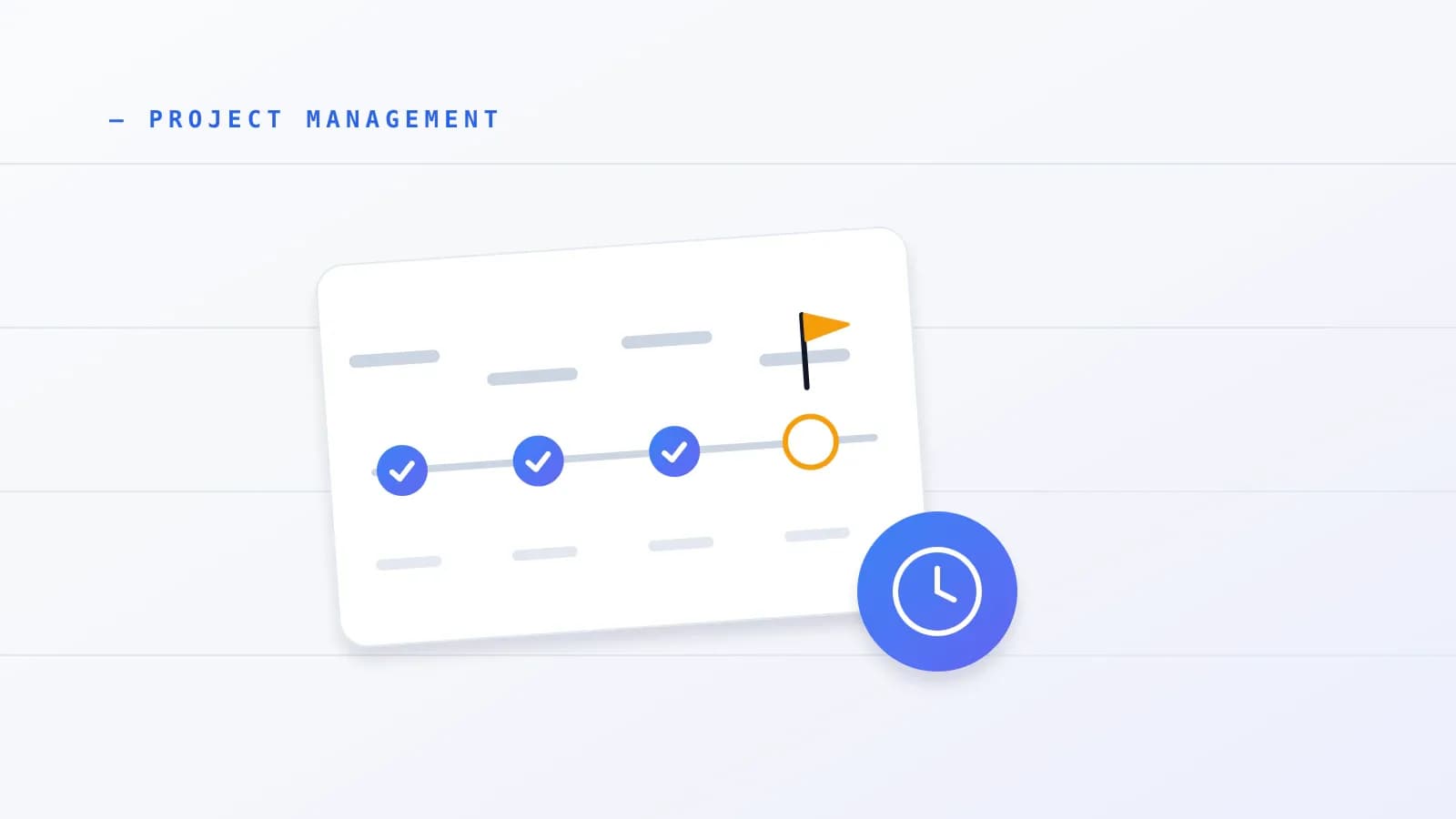
A website project moves through six phases: discovery and scope baseline, sitemap and wireframes, content audit and collection, homepage-first design and development, internal QA with staging and client approval, and launch with handover. Each phase ends at a gate, so the next one starts only when its inputs exist.
The grouping below combines the Productive guide with the Self-Made Web Designer playbook. Other guides use three or four phases, such as planning, design and development, testing, and maintenance, so treat six as a convenient split rather than a standard.
| Phase | Studio delivers | Client delivers | Gate before the next phase |
|---|---|---|---|
| 1. Discovery and scope baseline | Objectives, requirements, budget, risks, out-of-scope list | Goals, decision-maker, budget approval | Signed scope and deposit |
| 2. Sitemap and wireframes | Page hierarchy and section-goal wireframes | Review inside the agreed window | Sitemap approved |
| 3. Content audit and collection | Keep, cut or add audit; intake instructions | Final copy, brand files, media | Content signed off |
| 4. Homepage-first design and development | Homepage, reusable modules, inner templates | Feedback through one contact | Homepage direction approved |
| 5. QA, staging and UAT | Device, browser, speed and accessibility fixes | Consolidated feedback and one approval | UAT sign-off |
| 6. Launch, handover, maintenance | Redirects, DNS cutover, CMS training, review | Registrar access, attendance at training | Live site and handover |
Phase 1: Discovery and scope baseline
Discovery fixes what you are building before anyone designs it. Record the stakeholders, business objectives, technical requirements, budget and risks, and write down what is out of scope. Then get the baseline signed. Every later request is measured against this page.
Marker.io's website project guide lists the inputs that drive an accurate estimate: page count, custom functionality, build effort, the number of feedback rounds, and QA and testing. Put the web-specific risks, such as stalled content and redirect errors, in the phase where they arise instead of running a separate workshop. For a formal risk process, our guide to project risk management covers it. The order of planning steps and timeline buffers is in our project planning guide.
Phase 2: Sitemap and ultra-lo-fi wireframes
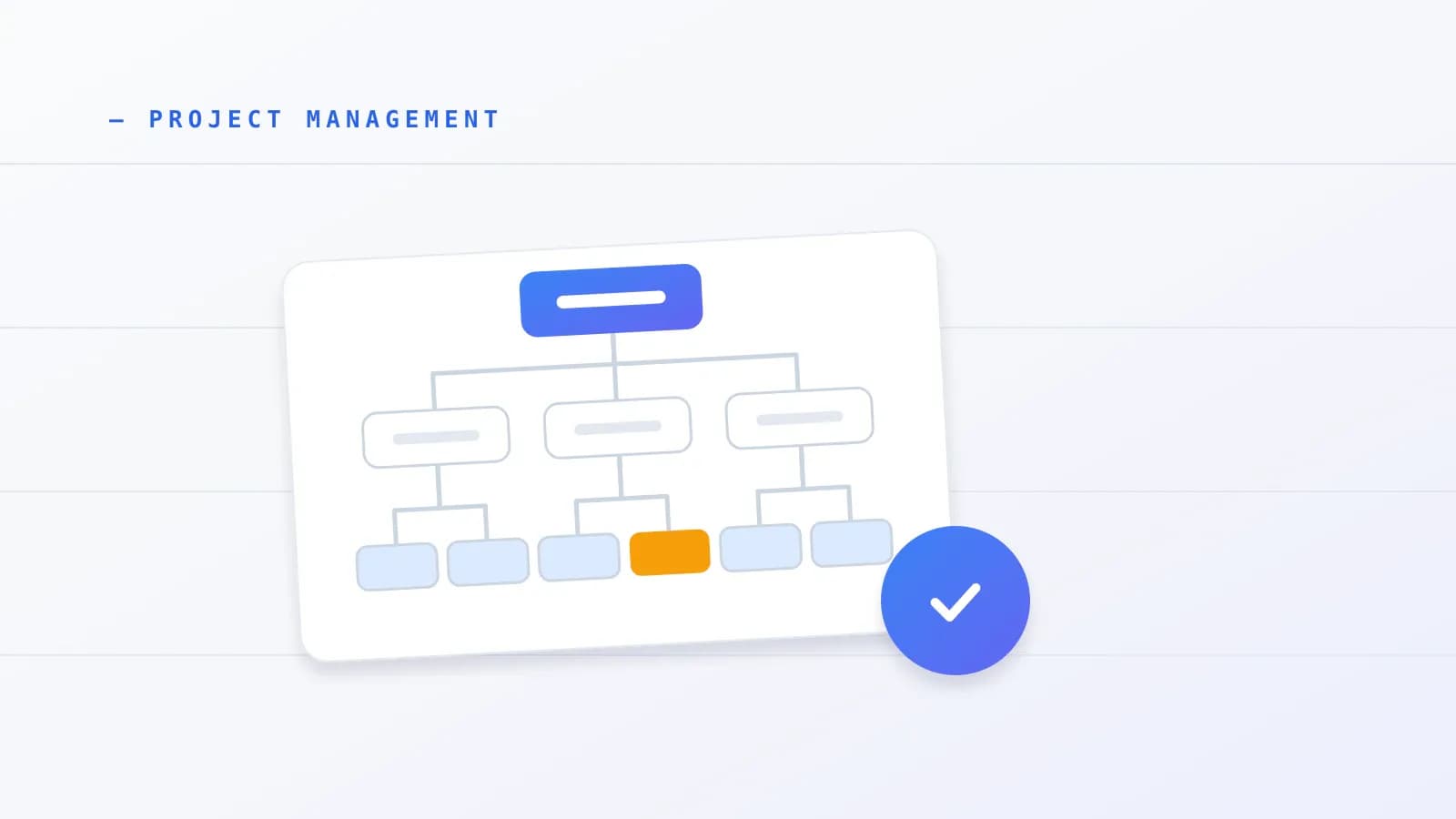
Lock the sitemap, which is the list of pages and how they connect, before drawing anything polished. Then sketch each page as plain section boxes with one goal per section. Ultra-lo-fi wireframes keep the review on structure, because clients who see polished mockups tend to attach to the placeholder look.
Self-Made Web Designer recommends bare wireframes and recorded video walkthroughs, so clients can review on their own time without a call. The same playbook warns that clients fall in love with dummy placeholder layouts, and Productive's guide also validates section goals before polished mockups can cause premature attachment.
Phase 3: Content audit and structured collection
If the site replaces an existing one, audit the current pages first and mark each as keep, cut or add. Then collect final copy, brand files, media and SEO details before you scale up the inner templates. This is where builds most often stall, so a later section covers it in depth.
Chromatic's content-first workflow guide recommends auditing content before design, and Notion's website project guide separates requirement and content gathering from the build. Agency and freelancer accounts, including a post on website delays from IZI Digital Marketing, point to the content phase as the usual place a project stops. These are practitioner reports, not measurements.
Phase 4: Homepage-first design and development
Design and build the homepage first. It sets typography, palette and reusable components, so inner templates inherit decisions instead of reopening them. Work in an isolated development environment, separate from staging and from the live site, so unfinished work never reaches visitors.
Productive's guide separates development, test and production environments. Tempo's guide adds a practical habit: break the build into tasks and map their dependencies, for example on a Gantt chart, so you can see what waits on what.
Phase 5: Internal QA, staging and client UAT
Fix device, browser, speed and accessibility bugs yourself before the client sees staging. Then invite the client once, with one consolidated round of feedback and one named approver. User acceptance testing, or UAT, is the client's final check that the site does what the agreement says. Their sign-off closes the phase.
Marker.io recommends internal QA before staging, and BugHerd stresses a signed fee and scope agreement plus early, iterative reviews. Scattered feedback is the usual failure here: comments split across email threads, and nobody can tell which ones are final.
Phase 6: Launch, handover and maintenance retainers
Launch is a migration, not a button. Run the redirect and DNS cutover from the checklist below, train the client on the CMS, hold a short project review and offer a care plan. Productive and Notion both close the project with an evaluation, and Productive covers post-launch retainers.
A care plan turns a one-off build into recurring work. Protecting your profit on that retainer starts with how you set the price, which our guide on how to price freelance work explains.
Phases only work when each side knows which tasks are theirs, which is what the next section sets out.
Who does what: what does a client-and-studio RACI matrix look like?
A RACI matrix lists each deliverable and marks who is Responsible, Accountable, Consulted and Informed. For a web build, it names the studio as responsible for architecture, QA and deployment, and the client as accountable for copy, media rights, registrar access, legal text and the final sign-off.
A ServiceNow developer-community post from October 18, 2025 describes unclear client responsibilities as a major driver of build delays. It also treats a RACI matrix as a complement to a detailed scope and assumptions schedule, never a substitute. Atlassian defines the matrix as a responsibility assignment chart. Competing website guides tend to name only internal roles and skip the client's bottlenecks.
Use the table below as a starting layout, and adjust the rows to your project.
| Deliverable | Studio | Client |
|---|---|---|
| Sitemap and wireframes | R, A | C |
| Final copy and page text | C | R, A |
| Photos, logos, fonts and licences | C | R, A |
| Registrar and DNS credentials | C | R, A |
| Privacy policy, terms and legal disclosures (general information, not legal advice) | C | R, A |
| Build, internal QA and deployment | R, A | I |
| Staging feedback and UAT sign-off | C | R, A (one named approver) |
Two rules make the table work. Name one client approver for UAT and refuse feedback from anyone else, and write the client's rows into the agreement as assumptions. Studios running many sites at once face a wider question about capacity and priorities, which is portfolio management. This guide stays on one build.
How do you handle client content delays?
Treat a late-content client as a process problem, not a disrespectful client. Give them exact word counts, formats and dates at kickoff, collect everything through one structured link, set a review window, and write down what late content does to the launch date. Then a missed deadline moves your schedule instead of eating your margin.
Why do clients stall on copy and assets?
Clients usually stall because the request is unclear, not because they do not care. Content Snare's analysis lists vague prompts, fear of sending the wrong file format, underestimating how long writing takes, discomfort with writing, and confusion from long email threads, blank shared folders or project tools they have never used.
The real-world cost shows up in forum accounts. A web design thread describes projects that die in the content phase when text arrives unformatted for the layout. Idle studio hours and delayed milestone billing follow. These are anecdotes. No independent study in the sources we reviewed measures how many website builds are delayed by client content, so any percentage you see quoted deserves a source check.
Should you replace email chasing with structured intake and reminders?
Yes, if you can. Repeated "just checking in" emails add friction, while a single intake link with section-level instructions, format examples, auto-save, comments for questions and automated reminders keeps files tied to tasks. Vendors sell this as a product, so weigh their claims with care.
Content Snare, which sells such a tool, reports from its own user surveys and case studies that its users spend 71% less time gathering content and that 67% fewer projects stall. One agency it cites saved four to five hours per client. Capterra's verified reviews, dated October 21, 2026, rate the tool 4.9 out of 5 across 102 users. A good rating shows satisfied users, not measured time savings. No independent study confirms the percentages.
Prolanze, which publishes this guide, is not a content-intake form builder, so use a dedicated tool or a simple shared checklist with the same features. Whatever you choose, give every item a name, an example, a due date and one place to upload it.
How do turnaround windows, schedule shifts and copywriting add-ons work?
Set review and copy windows at kickoff, route all feedback through one client contact, and move the launch date as soon as an input slips. After an agreed reminder sequence passes, move your build hours to other active work. Price copywriting and migration as optional add-ons in the original proposal, so a stall has a paid fix.
Self-Made Web Designer enforces strict 24-hour revision windows and uses recorded screen walkthroughs to avoid scheduling calls. Karl Sakas, writing for his consultancy Sakas and Company, advises pitching paid copywriting, content strategy and migration in the first proposal, so clients meet add-on pricing before they hit a wall. The article is undated and appears to mention 2019, so check it against your own experience. Freelancer threads add two habits: shift the launch date openly when inputs slip, and reassign idle hours after the reminder cadence you agreed.
Here is how that plays out. A client insists on writing their own copy and then goes quiet mid-build. Because you priced copywriting as an optional line in the proposal, you send the page-by-page intake link with examples, move their launch window in writing, give your calendar to another active client, and offer the pre-priced copywriting add-on to unblock go-live.
One forum answer suggests billing 150% to 200% of the original rate to restart a paused project. That is a single anecdotal opinion with no benchmark behind it, so do not treat it as an industry norm. Write your own pause terms into the agreement instead.
Content delays are one source of drift. The other is the client who wants more than was agreed.
How do you handle scope changes and revision rounds without losing the client?
Decide the rules before the first request arrives. List what is out of bounds at kickoff, cap revision rounds, and set an hour or cost threshold above which a request becomes a written change request with its price and date impact. Then each "quick extra" is a visible decision for the client, not a favor from you.
Project data supports disciplined governance but is not specific to websites. PMI's Pulse of the Profession 2025 found that project managers with high business acumen beat their peers on schedule adherence (63% against 59%), budget adherence (73% against 68%) and business goals met (83% against 78%), and failed less often (8% against 11%). It found no statistically significant gap on scope creep. A May 2026 digest from the Institute of Project Management says 45% of professionals name unclear objectives as the top scope-creep trigger and 49% blame team misalignment for communication breakdowns, but it does not disclose its sample or method. An older PMI figure of 52% scope-creep prevalence dates from 2018, so it is more than 24 months old.
What revision caps and change thresholds suit a web build?
Cap feedback rounds in the kickoff plan by stating how many consolidated rounds each stage includes, and name the effort level that triggers a formal change request. Productive recommends a written change policy, and Marker.io lists feedback rounds as an estimation input. The numbers are yours to set, because we found no benchmark for them.
Put the threshold in numbers. For example, state that any request above an agreed number of hours becomes a change request with a fee and a date impact. Pair the policy with wording in your agreement, which our guide to freelance contract clauses covers as general information, not legal advice. The same page-level scope list also feeds your quote, as explained in how to price freelance work.
What diplomatic scripts work when a client asks for one more feature?
Say yes to the person and hold the line on the scope. Confirm that you will send a change request by end of day, then offer the trade-off: "Yes, and what should we remove?" The client can approve added cost and time, swap an unbuilt scoped item, or move the feature to after launch.
The phrase comes from an iCertGlobal community discussion of scope creep (November to December 2025), and Productive's change policy supports the written change request. Picture a senior stakeholder who asks for a new feature while the site is on staging and never fills in a form. Respect their authority without absorbing the work. Sample wording you can adapt:
"Happy to add that. I will send a change request today with the price and the effect on the launch date. If you would rather keep the date, we can swap it for something we have not built yet, or schedule it for right after launch."
With scope under control, the last stretch is getting the site live safely.
What belongs on a pre-launch and site-move checklist?
A launch checklist covers four areas: search continuity (URL map, redirects, canonicals, sitemap), accessibility, page speed and cutover timing. Google's site-move documentation and the WebAIM Million supply the checks that general project guides usually skip. Run them on staging first, then repeat the redirect tests after cutover.
How do you handle URL redirects, canonicals and Search Console?
If a redesign changes any URL, map every old address to its new one before launch. Google's site-move documentation tells builders to inventory old URLs, set up server-side 301 redirects, leave old paths crawlable, add self-referencing canonical tags, update hreflang and internal links, and submit the new XML sitemap.
Work through the steps in this order:
- Confirm registrar and hosting access. Relume's migration guide (November 11, 2026) stresses confirming who owns the domain and the content.
- Check Search Console for leftover spam actions or site-wide URL removals.
- Inventory every old URL from sitemaps, server logs, analytics, Search Console links, the CMS and embedded media.
- Map each old URL to its new equivalent.
- Set up server-side 301 redirects.
- Keep old paths unblocked in robots.txt, so crawlers can see the redirects.
- Add a self-referencing
rel="canonical"tag to each page, and update hreflang tags and internal links. - Submit the new XML sitemap.
Picture a freelancer moving a business site to a new platform. They confirm registrar access, export every indexed URL, fix the accessibility errors found in a pre-launch scan, deploy the redirects, verify the old URLs stay crawlable and cut over off-peak before Friday.
Which accessibility, speed and timing checks come before go-live?
Run automated and manual accessibility checks, test Core Web Vitals, and schedule the cutover for off-peak hours before Friday. WebAIM's February 2026 audit found that 95.9% of one million home pages failed automated WCAG 2 checks, mostly on six preventable issues that a pre-launch pass can catch.
The same WebAIM Million study reports an average of 56.1 errors per page, up 10.1% from 51 in 2025. The six most common errors were:
- Low contrast text on 83.9% of pages.
- Missing alt text on 53.1%.
- Missing form labels on 51%.
- Empty links on 46.3%.
- Empty buttons on 30.6%.
- Missing language declarations on 13.5%.
Automated scans do not replace manual testing with assistive technology, and a clean scan is not proof of legal compliance. Treat this as general operational information, not legal advice. On speed, Google's own guidance on Core Web Vitals sets targets of Largest Contentful Paint under 2.5 seconds and Interaction to Next Paint under 200 milliseconds, measured on real users.
For timing, Self-Made Web Designer and Marker.io both advise cutting over outside peak traffic hours and before Friday, so you and your host's support team can watch the 404 logs while the site settles.
Where does Prolanze fit in a website project?
Prolanze publishes this guide and makes a workspace for freelancers and small studios, so weigh this section accordingly. The workflow above works in any tool. In Prolanze, these features map to the steps:
- Discovery and leads: a CRM with a lead pipeline, stages, values and notes, plus public booking links with meeting types and availability rules that sync with Google and Outlook calendars.
- Deposit and milestone billing: invoices with a public link, reminders, partial payments, payment schedules and installments, and milestones that can trigger an invoice.
- The six phases: project templates, a Kanban board, a task list, tags, files and a project-level Gantt view.
- Feedback and sign-off: scope items with revision limits and automatic project health, so you can show a client where a project stands.
- Margins when content stalls: a timer with a billable flag, entries that convert to invoices, budgets against actuals and profitability per project.
- Retainers: recurring invoices, late fees and expense pass-through.
Prolanze does not offer structured copy-intake forms, visual bug pinning on pages, hosting, or SEO and accessibility audits, so pair it with tools for those jobs. Pro costs $19 a month or $190 a year, and every new account gets a 30-day Pro trial with no card required. You can start free or see pricing.
Putting it into practice
Use this checklist on your next client site:
- Get a signed scope with an out-of-scope list and the first payment before any layout work.
- Choose waterfall-style gates or the hybrid, and write the gate for each phase into the kickoff plan.
- Send the RACI table with the proposal and name one client approver.
- Share a numbered content list with examples, formats and due dates.
- Write down what late content does to the launch date.
- Cap feedback rounds and set the effort level that triggers a change request.
- Run internal QA and an accessibility scan before inviting the client to staging.
- Build the URL map, redirects, canonicals and sitemap before cutover.
- Cut over off-peak before Friday, and test redirects afterward.
- Book handover training and offer a care plan.
Conclusion
Website project management comes down to a few rules written down early: a signed scope and deposit before work, six phases with gates, client duties in a RACI table, a plan for late content, priced change requests and a launch checklist that treats go-live as a migration. Start by writing the out-of-scope list and the gate for each phase into your next kickoff plan. If you want the board, time tracking and invoices in one place, you can start free in Prolanze and use the 30-day Pro trial, no card required.
Running a web project from brief to final invoice
Client web projects tend to stall on content and sign-off, then get invoiced late. Prolanze gives each client a record with their contact details and default rate, a project with milestones, and invoices drafted from the milestones and hours you log, so billing follows the work instead of waiting for it. Clients can open an invoice from a link and need no account. See clients and scheduling for the booking link you can send for kickoff calls.