A WBS structure is a hierarchy that splits 100% of a project's scope into deliverables, ending in work packages that one person can own and estimate. It shows what you will deliver, not when. A schedule comes afterward and places those work packages on calendar dates, with dependencies.
A work breakdown structure gives your project a fixed outline before you estimate, schedule or quote. It sits inside the wider discipline of project management, which the guide to what project management is covers in full. This guide shows how to build a WBS structure in five steps, walks through a website example, gives a ten-field work package template and explains how to turn the result into a WBS schedule.
What is a WBS structure in project management?
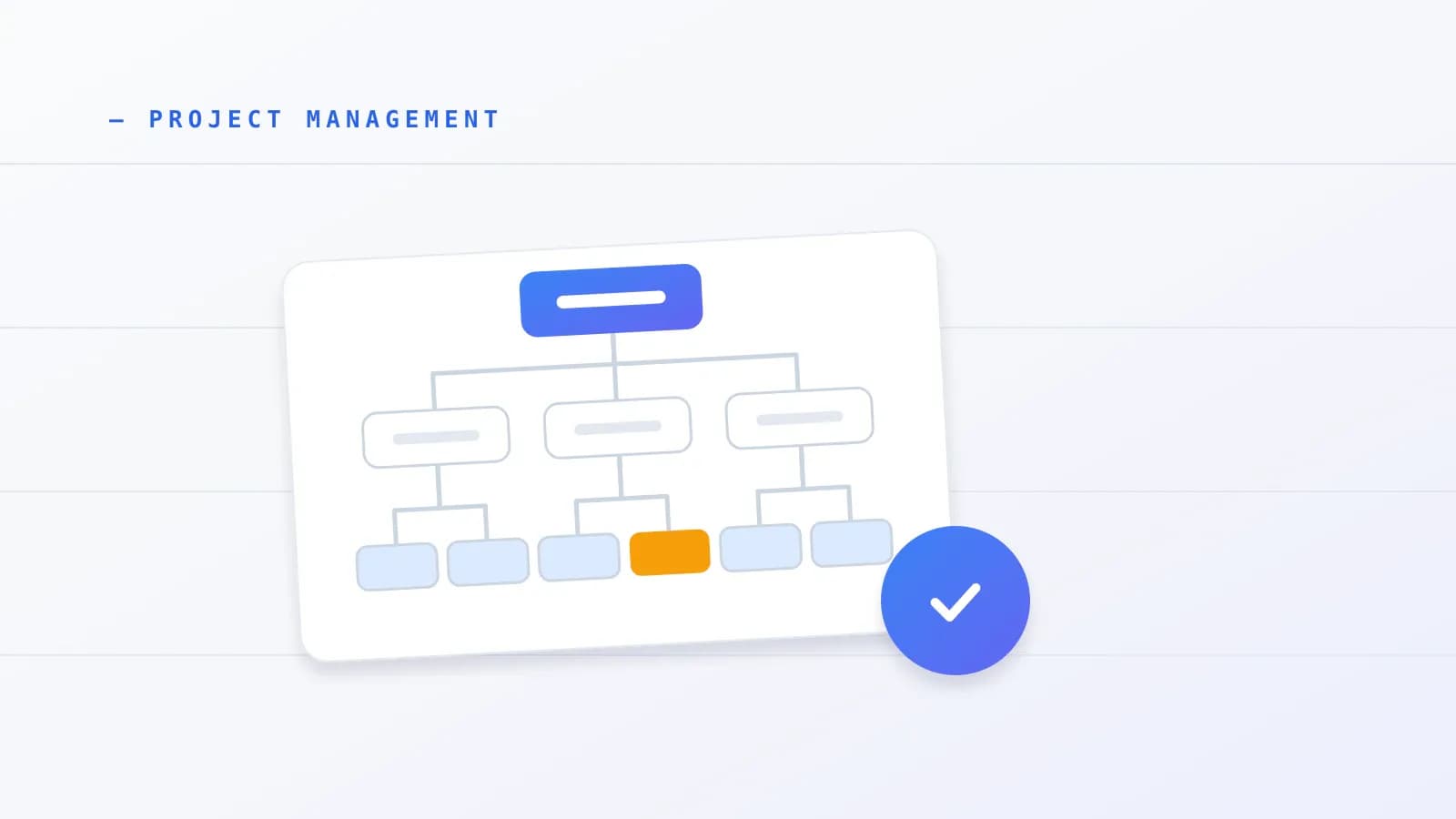
A WBS structure is a top-down breakdown of a project's total scope into smaller deliverables. The top level is the whole project. Each level below splits the one above it. Each branch ends in a work package, the smallest unit you plan, estimate and assign.
NASA's WBS Handbook (November 2021) describes the work as identifying the project's end item and then subdividing it into detailed work products. It adds a firm rule: any scope not contained in the WBS is not considered part of the project. That rule is why a WBS works as a scope boundary for freelancers too.
Two main shapes exist. WorkBreakdownStructure.com explains that a deliverable-based WBS sets its first level by tangible outputs, while a phase-based WBS sets its first level by lifecycle stages such as planning, design, build and launch. Secondary guides also list process, resource, risk and responsibility variants. The Project Management Institute's Practice Standard for Work Breakdown Structures (third edition, July 2019) applies the method across predictive, iterative, incremental and agile life cycles.
Next, the three rules that keep any structure sound.
How do the 100% rule, mutual exclusivity and WBS coding work?
The 100% rule says the top-level elements must add up to all of the project's scope and nothing extra. Mutual exclusivity says no two elements may describe the same work. Together they prevent gaps, which cause surprise work, and overlaps, which cause double-counted time and cost.
WorkBreakdownStructure.com notes that overlap also brings wasted effort and unclear roles. Wikipedia adds that the 100% rule applies inside each work package too: the activities listed under a package must add up to 100% of that package.
WBS codes give every element a place in the hierarchy. A code such as 1.1 sits under 1.0, and 1.1.1 sits under 1.1. Wikipedia stresses that these numbers show parent and child relationships. They do not show the order in which work happens.
Naming matters as much as numbering. The ProjectManager guide recommends nouns for deliverables, and Wikipedia describes the same outcome-first approach. Keep every level down to the work package in noun form, such as "Homepage Mockup" or "Discovery Report". Use verbs only when you break a work package into the activities you will schedule. This resolves the argument between guides that tell you to write verbs and guides that insist on nouns.
With the rules clear, the next question is where each branch should stop.
What is a work package, and what is the 8/80 rule?
A work package is the lowest level of a WBS branch: one discrete piece of work that produces a specific, measurable deliverable. WorkBreakdownStructure.com adds that it is the point where duration, resources, risk and cost can be estimated with confidence, and that a single person or organization should own it.
Two heuristics set the depth. For most projects, Wikipedia says two to four levels are enough. It also notes that the US defense standard MIL-HDBK-881 recommends at least three levels, with up to five in its software examples. The Institute of Project Management and Lucid both describe the 8/80 rule, which keeps a work package between roughly 8 and 80 hours of effort, or about one reporting period. The sources we reviewed class it as a widely cited rule of thumb, not an empirical finding.
For a stopping test, WorkBreakdownStructure.com says to stop when more splitting would no longer make the project easier to manage. Asana warns against the opposite error, splitting work into pieces that take a few minutes, which only adds admin. If a package is too broad to estimate, split it.
Small client projects need a judgment call. When the whole job takes fewer than 80 hours, the 8/80 rule works as a ceiling, not a target. Stay at two to four levels and stop once each package has an owner and a believable estimate.
Daily to-do lists are a different layer. A work package can hold several activities, but tracking those day by day belongs to task management, not to the WBS.
How do you build a WBS structure in five steps?
You build a WBS structure in five steps: define the scope and its exclusions, gather the project documents, set the top-level branches, break each branch into work packages, and check the result against the 100% rule. Asana's five-step guide follows the same order and adds owners, dates, budgets and status at the end.
- Define the scope and write the exclusions. State what the project delivers and what it does not. NASA's rule that unlisted scope is out of the project makes this step the foundation of the whole structure. Many projects start from a short approved summary.
- Gather the project documents. Collect the brief, quote, agreement and any client assets list. A WBS draws its baseline scope from your broader plan, which the guide to the project management plan explains. Include supporting work as well. Lucid's tutorial stresses testing and training, not only the main build.
- Set the top-level branches. Choose deliverable-based or phase-based. If you use phases, give each phase a clear entry and exit review, because WorkBreakdownStructure.com recommends review criteria for phase-based structures.
- Break each branch into work packages. Split until each package has one owner, a measurable deliverable and an estimate. Apply the stopping test from the previous section.
- Check the 100% rule and add a dictionary. Confirm that the branches cover all the scope without overlap. Then document each element in a WBS dictionary, which WorkBreakdownStructure.com describes as the place for scope narrative, owner, milestones, durations, resources and risks. The tree has no room for that detail.
Rolling Wave Planning handles unknowns. WorkBreakdownStructure.com describes planning packages as placeholders for known future scope that lacks details. You decompose them into work packages once the details are settled.
What does a WBS example look like for a client website redesign?
A website redesign WBS has five deliverable-based branches, each with numbered work packages, plus an exclusions list. The structure below adapts Asana's website-redesign walkthrough and applies the standard hierarchical numbering from Wikipedia. It is an illustration, not a template to copy line for line.
| Code | Element | Type |
|---|---|---|
| 1.0 | Brand Guidelines | Level 1 deliverable |
| 2.0 | Messaging | Level 1 deliverable |
| 3.0 | Page Designs | Level 1 deliverable |
| 3.1 | Homepage Mockup | Work package |
| 3.2 | Product Page Mockup | Work package |
| 3.3 | Blog Page Mockup | Work package |
| 3.4 | Navigation Design | Work package |
| 3.5 | Mobile Design Review | Work package |
| 4.0 | Photography | Level 1 deliverable |
| 5.0 | Launch Plan | Level 1 deliverable |
Asana's version also lists exclusions next to the deliverables: a full content audit, paid media updates and ongoing maintenance. Writing them down enforces the 100% rule from the other side. Anything on the list is visibly outside the project.
Say the client has not chosen a photography style yet. You can log branch 4.0 as a planning package and break it into work packages once the style is decided. That is Rolling Wave Planning applied to a small project. The example is illustrative and not drawn from a real engagement.
The same project can also be organized by phase, which changes how you hand work over.
Deliverable-based or phase-based: how does the same project compare?
A deliverable-based WBS groups work by what you hand over, while a phase-based WBS groups it by when in the lifecycle the work happens. For the website project, the deliverable view uses branches such as Messaging and Page Designs. The phase view uses Planning, Design, Build, Review and Launch, as Asana's example does.
Default to deliverable-based for fixed-fee or milestone contracts, because each branch maps to something the client can approve. If a client asks for a phase view, require an approved exit gate before the next phase starts, such as a signed design review. WorkBreakdownStructure.com describes phase-based structures as having unique deliverables under each phase and clear entry and exit criteria, so the gate fits the method.
What do WBS examples look like for software, events and houses?
WBS examples from software, events and house building use the same logic as the website case, at different depths. Software and event structures group work by noun deliverables, while a house build shows clean three-level numbering. Use them to check your own structure for missing branches, not to copy.
| Project type | Example structure | What it shows |
|---|---|---|
| Software build (ProjectManagerTemplate) | Planning and Requirements (market research, requirements), Development (frontend, backend), Testing and Deployment (QA, bug fixing, deployment) | Testing and deployment get their own branch |
| Mobile app (Atlassian) | UI design (wireframes, mockups, design reviews), backend development, database setup | Maps to Epics, then work items, then sub-tasks in an issue tracker |
| Consulting discovery (Tapflow WBS) | Deliverables such as a discovery report and strategic recommendations | Compact, client-facing packaging for advisory work |
| House build (Lucid) | 1 Foundation, with 1.1 Excavate (1.1.1 Dig, 1.1.2 Level), 1.2 Frame, 1.3 Concrete (1.3.1 Pour, 1.3.2 Cure); 2 Exterior; 3 Interior | Clear three-level numbering |
| Event (GanttPRO) | Planning, Venue, Speakers, Marketing, Registration | Noun-based grouping |
What should a work package template include?
A work package template should record ten things: code, title, parent deliverable, single owner, scope with exclusions, acceptance criteria, effort and budget, dependencies and dates, risks and revision limits, and status with change authorization. No single standard fixes these columns for everyday teams, so this layout is a synthesis of the sources below.
The sources differ widely. Asana treats owner, due date and status as the minimum. A 2014 template from the Estonian Research Council (ETAG) uses grant-style fields. NASA's handbook specifies ten formal WBS dictionary fields, but they include contract and procurement detail that is heavy for a small team. The layout below is our own synthesis, not NASA's list.
| # | Field | Why it matters |
|---|---|---|
| 1 | WBS code | Keeps each element traceable across the chart, schedule and budget |
| 2 | Work package title | Names the deliverable as a noun phrase |
| 3 | Parent deliverable and agreement reference | Ties the package back to the full scope baseline and your written agreement |
| 4 | Single owner | Prevents split accountability between team members, subcontractors or client contacts |
| 5 | Scope description and exclusions | States the included work and the explicit boundary |
| 6 | Acceptance criteria | Sets an objective approval standard before handoff or a billing milestone |
| 7 | Estimated effort hours and budget | Keeps labor effort separate from calendar duration |
| 8 | Dependencies, target dates and milestones | Flags prerequisites such as client assets or earlier approvals |
| 9 | Risks, assumptions and revision limits | Records review rounds, approval turnaround and buffers upfront |
| 10 | Status, revision number and change authorization | Tracks progress and formal approval of changes |
Fields 3 and 9 are recommended additions, and the rest are core. The research notes that the templates it reviewed often left out written exclusions, measurable acceptance criteria, effort hours separate from due dates and change tracking, which turns a work package into a to-do row.
Pair the tree with a dictionary when the tree has no room for these fields, which is almost always. A short dictionary entry per work package is enough for most freelance projects.
Effort estimates in field 7 also feed your quote. The guide to how to price freelance work shows how to turn estimates into a price before kickoff. Fields 5 and 9 hold firmer when your agreement carries matching scope and revision terms, which the guide to freelance contract clauses covers. That is general information, not legal advice.
How do you turn a WBS into a WBS schedule?
You turn a WBS into a WBS schedule by listing the activities inside each work package, estimating effort, adding dependencies, converting effort into calendar duration and placing milestones. The WBS stays the scope baseline. The schedule adds time. Atlassian's guide separates the two, with the WBS mapping scope and a Gantt chart mapping the timeline.
Some template sites blur the line. Smartsheet sells combined templates under the label "Work Breakdown Schedule", and ProjectManagerTemplate notes the same name confusion. Putting dates beside WBS codes in one sheet can work in practice, as ProjectManager's guide shows. Keep the scope tree and the scheduling columns distinct in your own thinking.
- List the activities. Break each work package into verb-led activities that add up to 100% of the package.
- Estimate effort. Record hours of work, separate from dates.
- Add dependencies. Note which activity must finish before another starts, and log client-owned inputs such as copy, assets and sign-offs as starting events.
- Convert effort into duration. The same effort can take two days or two weeks, depending on the hours you can give it and how long reviews take.
- Place milestones. Tie milestones to approved deliverables, then view the result as a Gantt chart. The guide to free Gantt chart tools compares ways to draw one, and the guide to project planning covers timeline buffers.
Standards back this order. The US Government Accountability Office's Schedule Assessment Guide (GAO-16-89G, December 2015) sets out ten scheduling best practices, anchored by WBS coverage. NASA links its WBS to its Integrated Master Schedule through a separate data requirement. After sequencing, balancing workload across several projects is a job for resource planning tools.
Which mistakes break the move from WBS structure to schedule?
Four mistakes cause most of the damage when you go from WBS structure to schedule: leaving out quality and review work, splitting into minute-level chores, reading WBS codes as a sequence, and ignoring client approvals. Each one makes dates look more certain than they are.
- Omitting QA and reviews. Lucid stresses supporting work such as testing and training. Octave, a vendor blog, links this unlisted work to scope creep and unbilled rework.
- Over-decomposing. Asana warns that tiny pieces create admin without improving estimates.
- Treating codes as order. Code 1.2 does not have to follow 1.1. Dependencies set the sequence, not the numbering.
- Ignoring client dependencies. Asana's guidance on dependencies applies directly: when the client owes copy, assets or sign-off, record it, so a late reply shows up as a visible delay.
How can you keep a WBS structure alive in a freelance workspace?
You keep a WBS structure alive by using it as the basis for the project you actually run: the same deliverables become milestones, the same work packages become tasks, and the exclusions become written limits. Prolanze, the workspace this site belongs to, can hold that setup, and you can build the same structure in any tool.
In Prolanze, milestones and tasks hold the deliverables and work packages, and tags and files keep supporting material alongside them. Project templates let you reuse a breakdown that worked. Scope items with revision limits record what is included. The Gantt view shows each project's start and due dates. Time tracking, budgets versus actual and profitability per project show whether effort matched the estimate.
Milestones can trigger an invoice, and signed-off deliverables map onto invoice line items, which the freelance invoice template guide explains. Prolanze has no separate WBS view or automatic WBS numbering listed among its features, so type your codes into task names if you want them. If you want to try this, the 30-day Pro trial needs no card.
Putting it into practice
Use this checklist the next time you scope a client project:
- Write the scope and a list of exclusions before you draw anything.
- Choose deliverable-based or phase-based and keep it for the whole project.
- Name every element down to the work package as a noun.
- Check each branch against the 100% rule and look for overlaps.
- Give every work package one owner, an acceptance test and an effort estimate.
- Budget testing, documentation, training, launch support and client review rounds.
- Log client copy, assets and sign-offs as dependencies.
- Add a dictionary entry for each work package, using the ten fields above.
- Build the schedule only after the WBS is stable.
Conclusion
A WBS structure turns a vague project into a set of owned, estimable deliverables, and it gives you a written boundary around the work. Build it in five steps, test it against the 100% rule, document each work package with the ten fields, and only then build the WBS schedule. Start your next client project by writing the exclusions list and the first two levels of the structure.
From work packages to tracked hours
A work breakdown structure is most useful when each work package can be measured. In Prolanze you can break a project into milestones and tasks, track the hours against them, and compare the time you estimated with the time it took. That comparison is what makes your next estimate better than a guess.